Our new hybrid working model allows for both working at home, and working at the office. If you need to be at the office, you first need to book your desk on the new Seriti@Work app. You will not be allowed to work at the office if you don’t first book your desk or meeting room on the app.

Introducing our exciting new booking system
How to download the Seriti@Work app

Step 1:
Go to your phone’s Android or Apple store
Step 2:
Search for the Power Apps app

Step 3:
Download Power Apps to your phone
Step 4:
Launch Power App and sign in and register with your Seriti Microsoft username (e.g.firstname.surname@seritiza.com) and password
Step 5:
Under ‘All Apps’ in Power Apps, search for Seriti@Work
How to book your desk on Seriti@Work

Step 1:
Open the Seriti@Work app on your phone

Step 2:
Click on the ‘Book a desk’ button
Step 3:
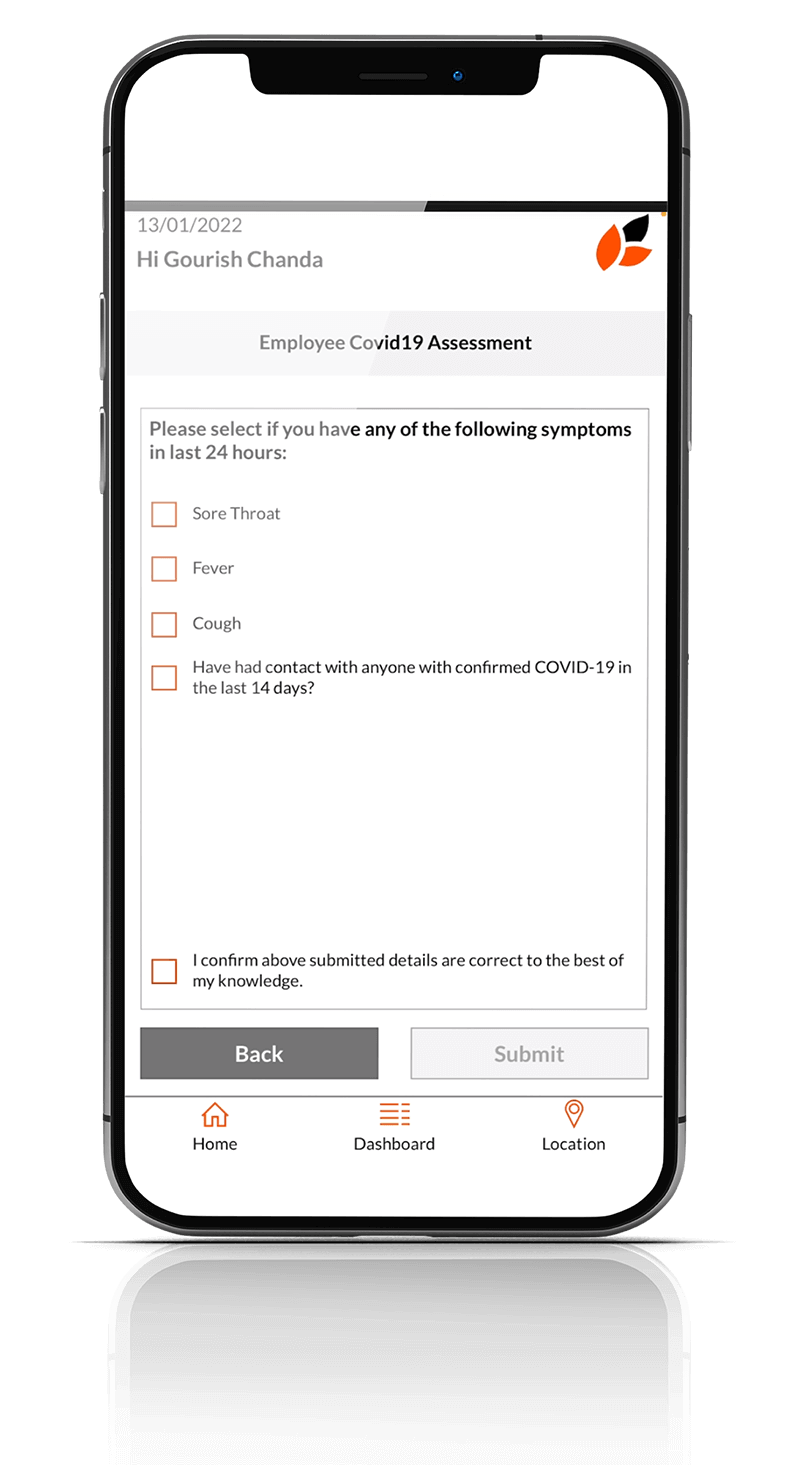
Complete the COVID-19 protocol questions
Step 4:
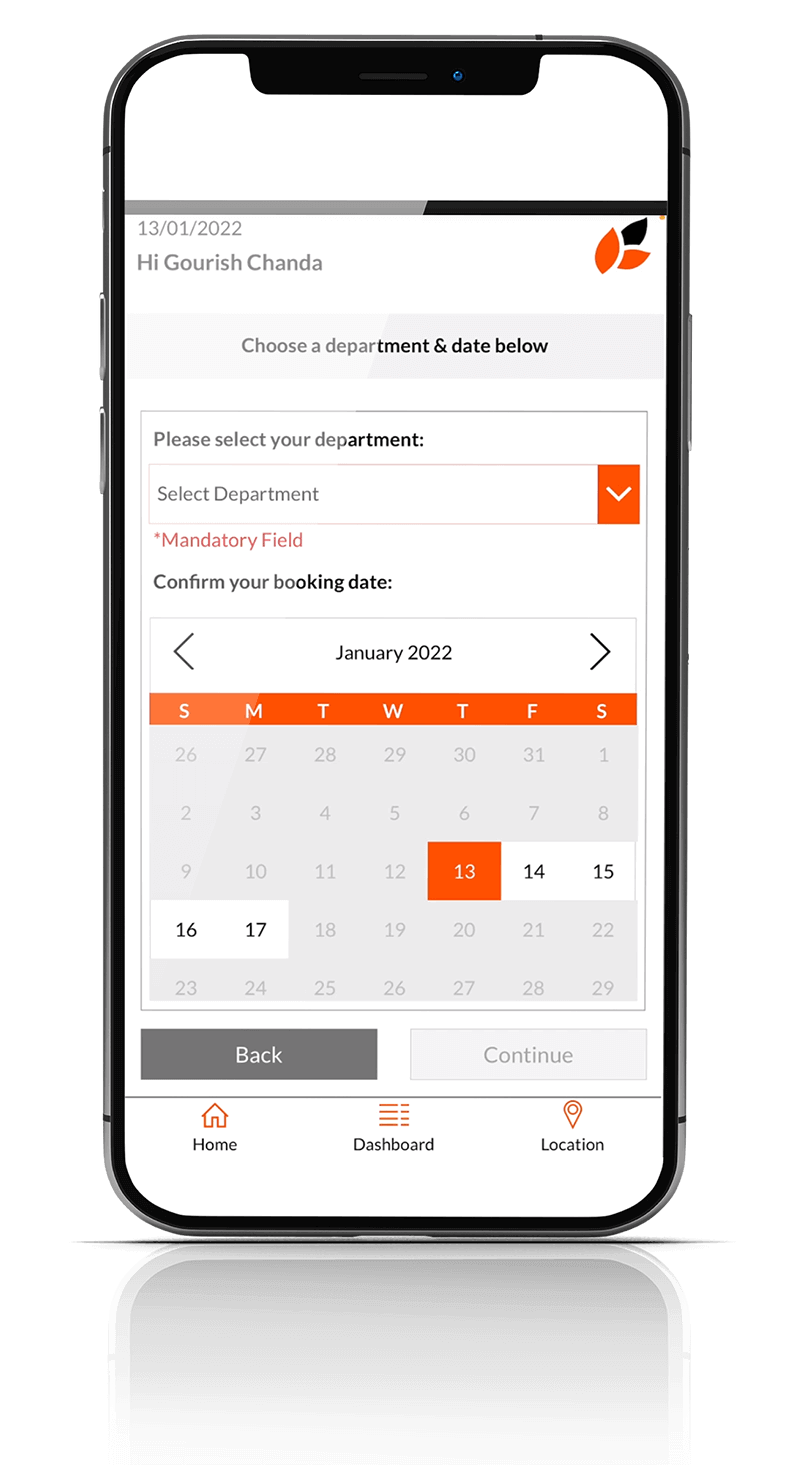
Select your department and enter your booking date
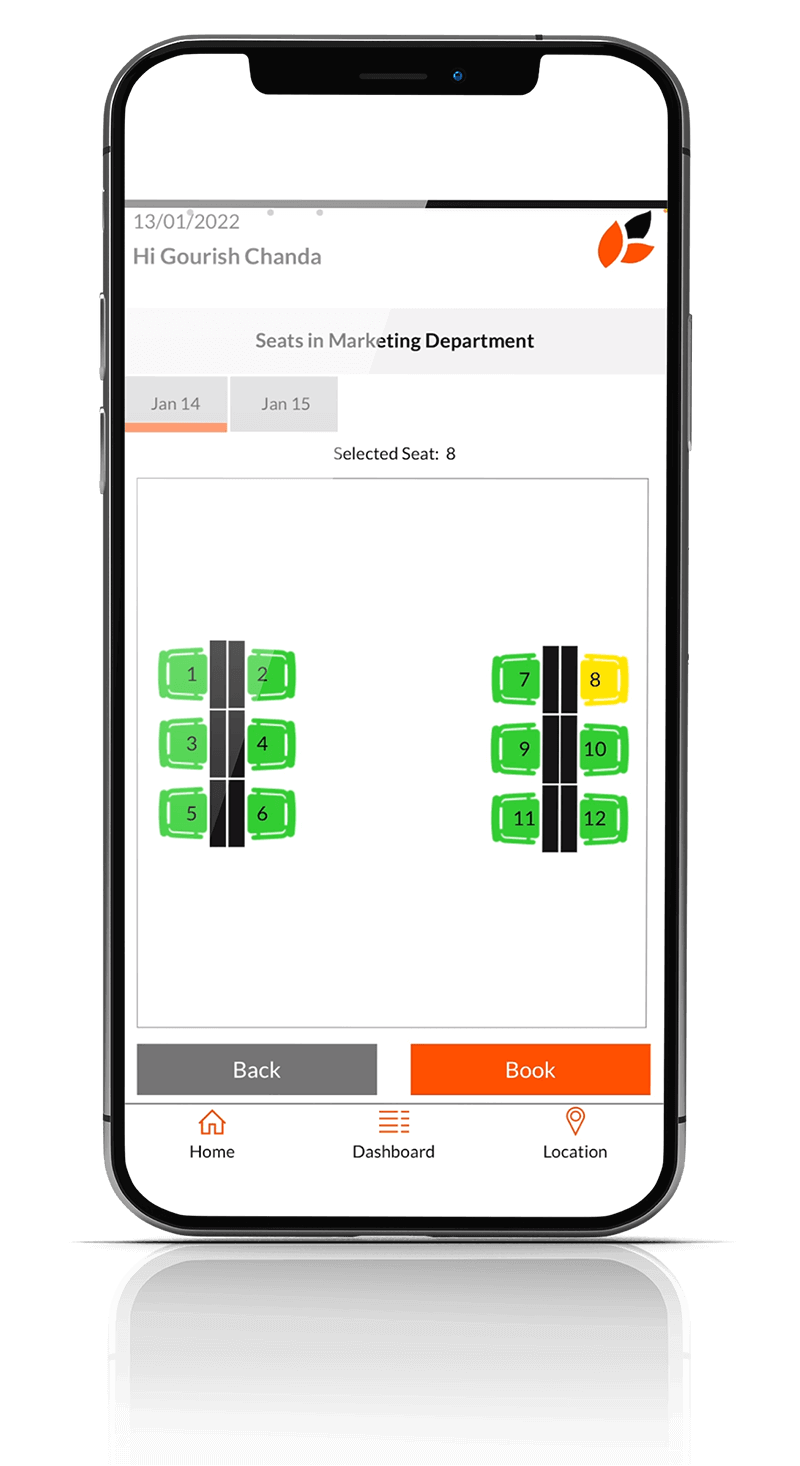
Step 5:
Choose your desk

Step 6:
Confirm your booking
How to book a meeting room and meeting refreshments on Seriti@Work
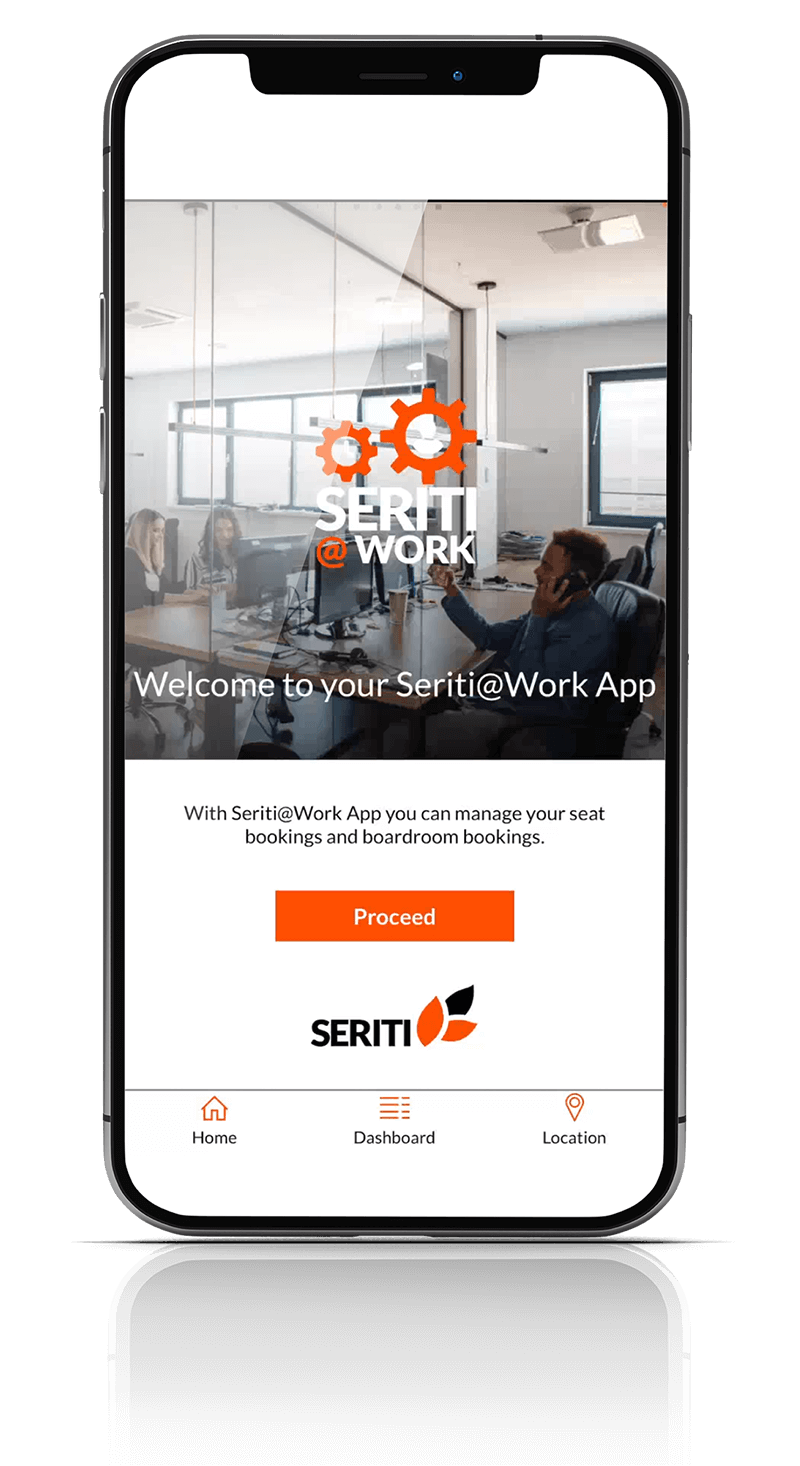
Step 1:
Open the Seriti@Work app on your phone

Step 2:
Click on the ‘Boardroom booking’ button
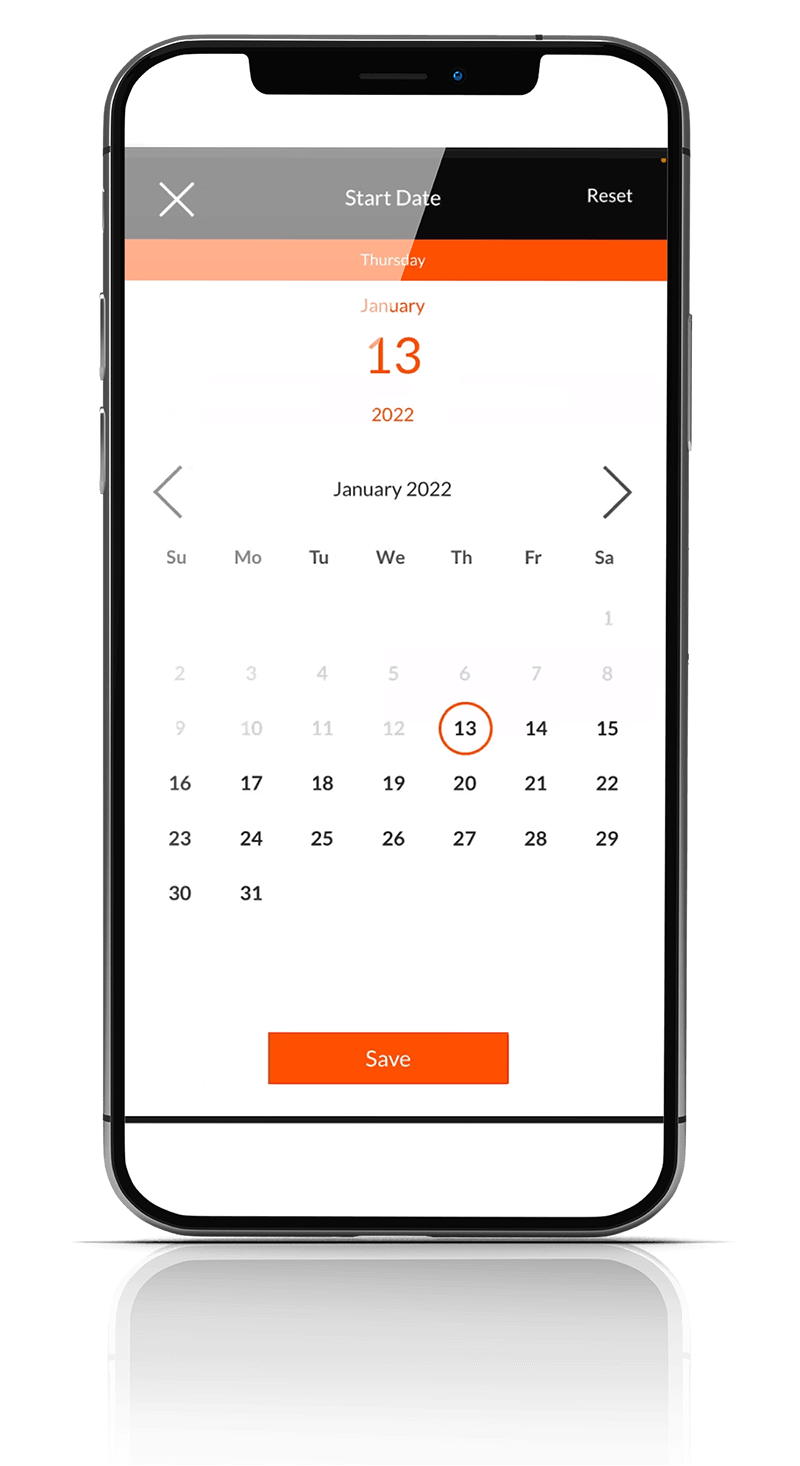
Step 3:
Enter your booking date
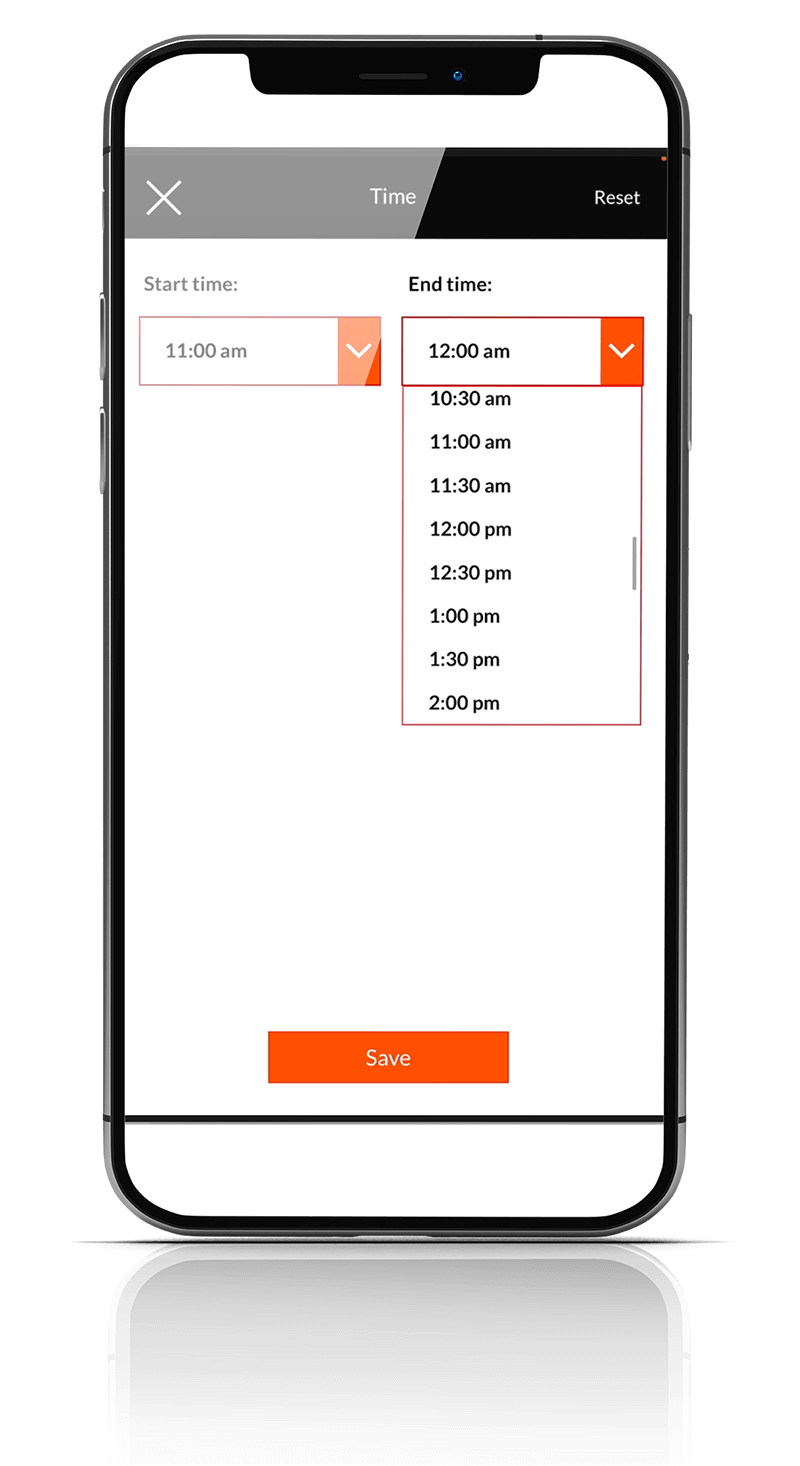
Step 4:
Enter your booking time
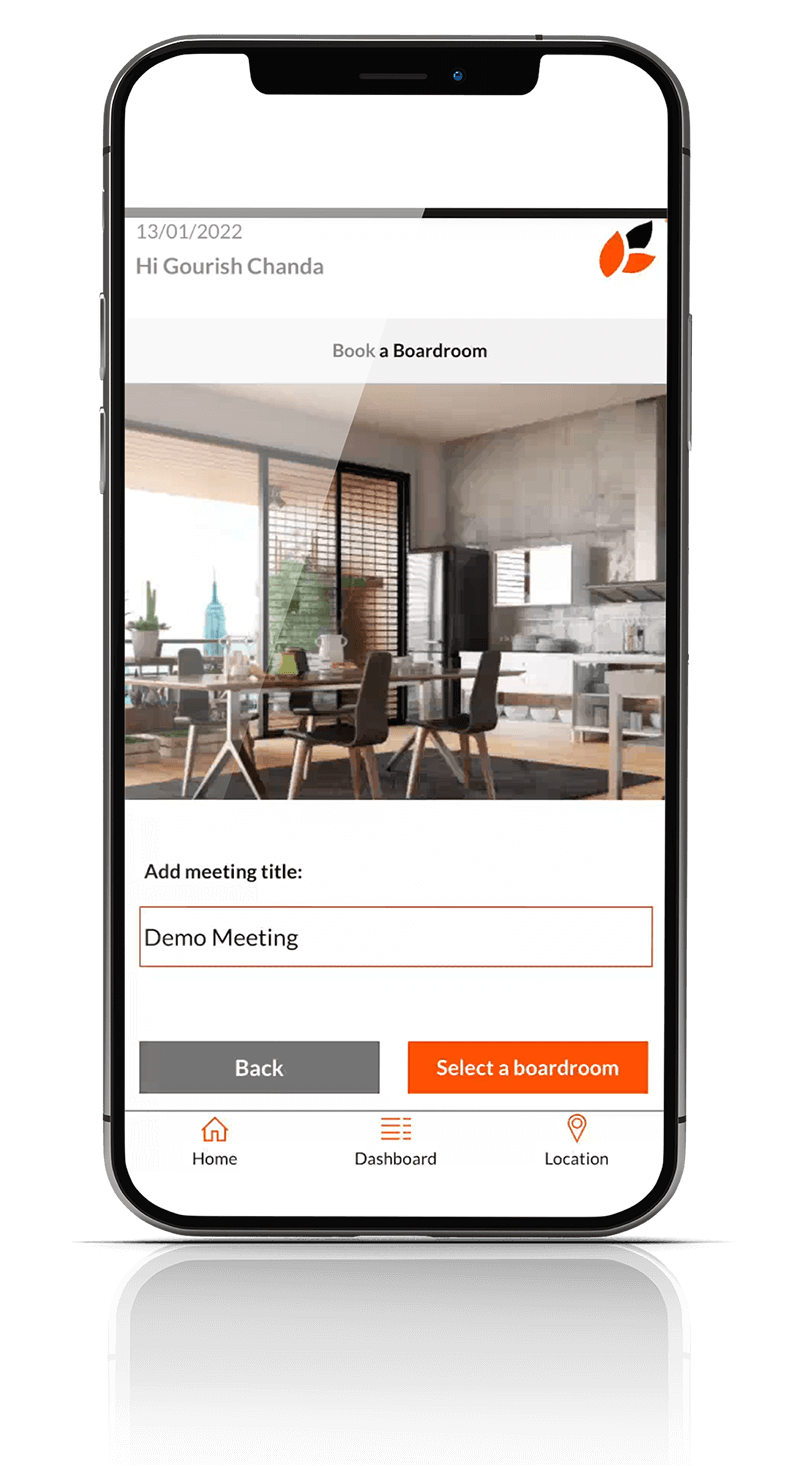
Step 5:
Add your meeting title
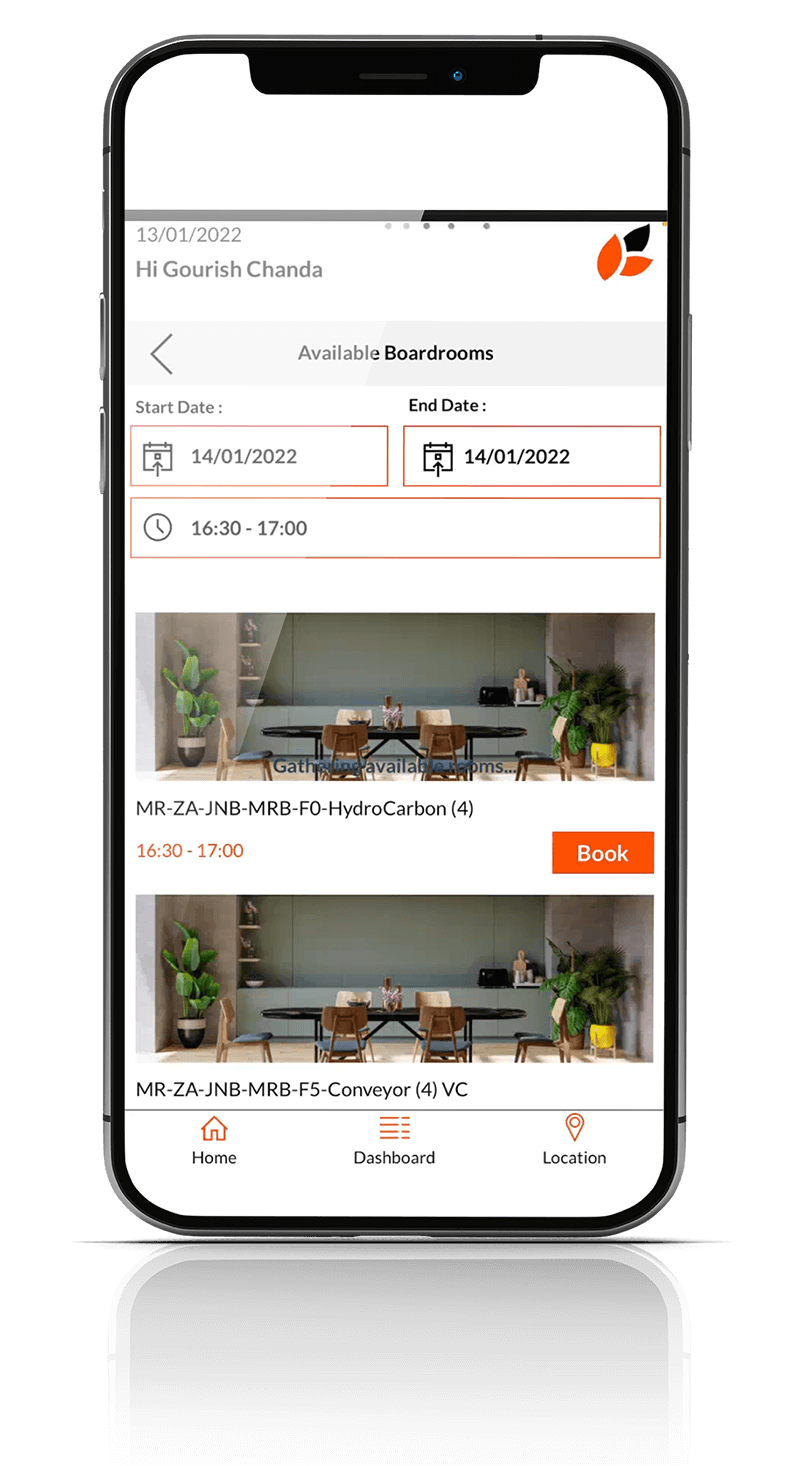
Step 6:
Choose your boardroom from the available options
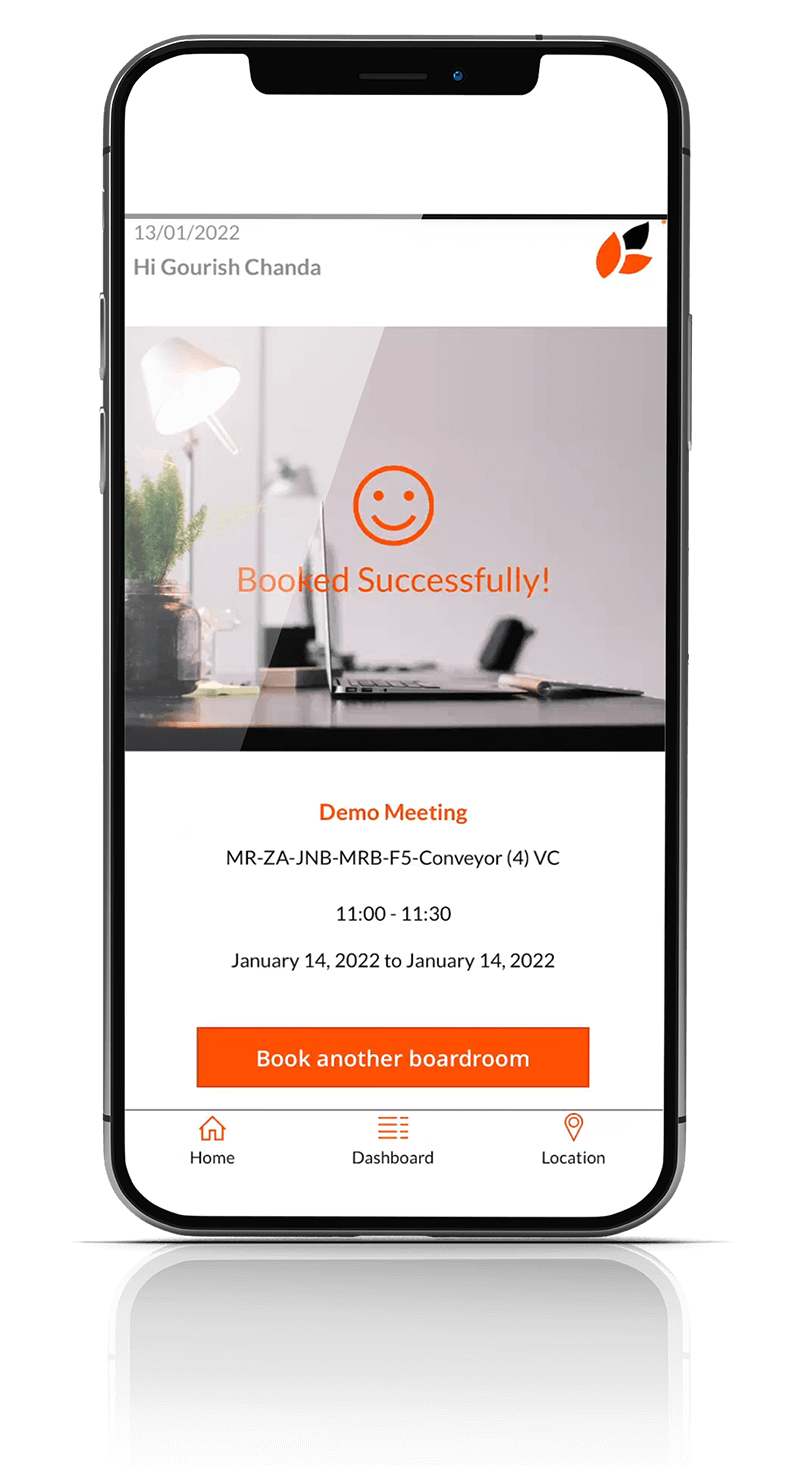
Step 7:
Confirm your booking